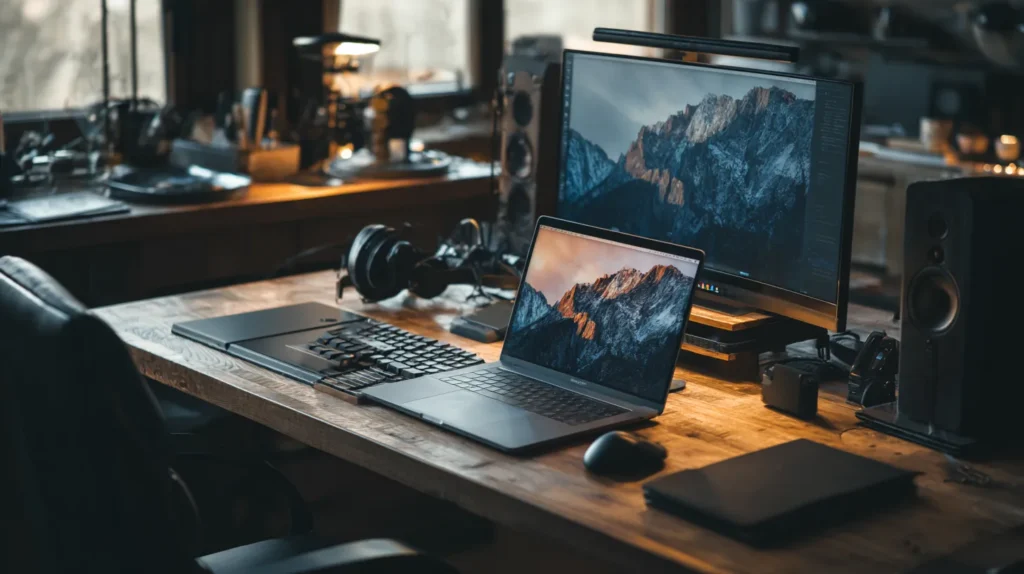
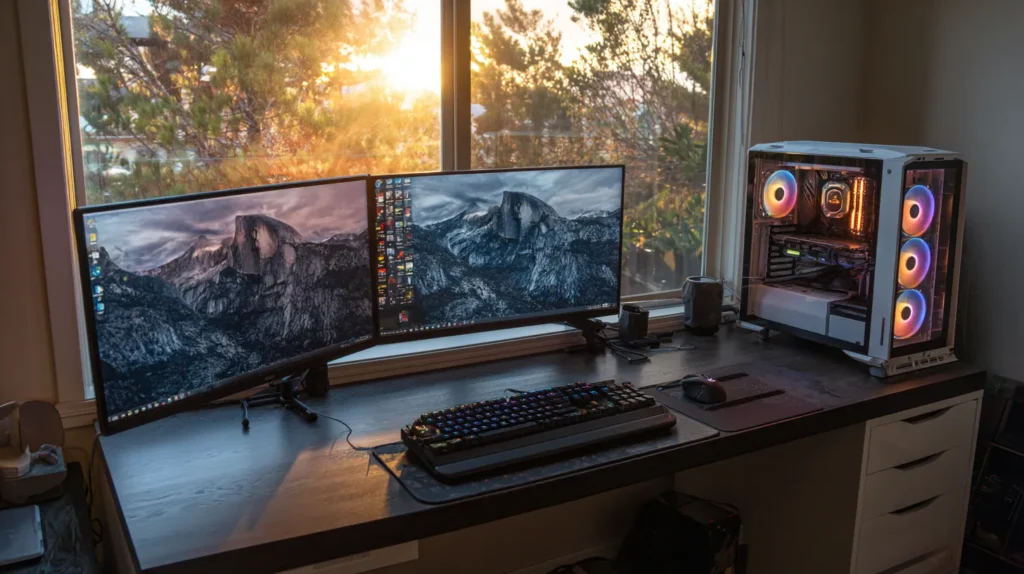
EWorking from home has become the new normal for millions of professionals. But while remote work offers flexibility, comfort, and time savings, it also introduces a challenge: maintaining high productivity without the structure of a traditional office. The truth is simple — your results depend heavily on the tools you use. With the right devices, your home office can become a productivity powerhouse.
Whether you’re a manager on daily video calls, a freelancer juggling multiple projects, a student attending online classes, or a creator working with demanding software, this guide shows you the best tech to upgrade your work-from-home setup and dramatically improve efficiency.
Let’s build a workspace that works for you. 🚀
1. A High-Quality Monitor – The Foundation of Efficiency 🖥️✨
If you’re working on a small laptop screen, you’re limiting your productivity. Upgrading to a larger external monitor is one of the fastest ways to work smarter.
Why a monitor boosts productivity:
- more screen space for multitasking
- easier comparisons and side-by-side windows
- reduced eye strain
- more accurate colors for design work
- a more natural posture
Top recommendations:
- 27-inch IPS monitor – ideal for work, superior color accuracy
- 32-inch or ultrawide monitor – perfect for multitasking
- High refresh rate display – smooth visuals for work and play
👉 A single monitor upgrade can boost productivity by as much as 42% (according to studies).
2. A Mechanical Keyboard – Comfortable Typing All Day ⌨️🔥
If you spend hours typing documents, emails, and messages, your keyboard becomes your most important tool.
Why mechanical keyboards are recommended:
- faster and smoother typing
- higher precision
- reduced hand fatigue
- long lifespan
- better posture with proper wrist support
Popular switch types:
- Blue switches – tactile and clicky
- Brown switches – quiet and tactile
- Red switches – smooth and linear
A great keyboard turns typing into a pleasant experience, not a chore.
3. A Precision Mouse – Navigate Faster, Work Smarter 🖱️⚡
Your mouse influences your speed more than you might think. Cheap mice lag, skip, and fatigue your hand.
Look for:
- ergonomic shape
- high DPI sensor
- programmable shortcut buttons
- smooth scroll wheel
- wireless or USB-C connectivity
A precise mouse means fewer mistakes and smoother workflow transitions.
4. A Laptop Stand or Monitor Arm – Ergonomics Matter 🧍♀️💺
Poor posture kills productivity. If your screen sits too low, you’ll strain your neck, shoulders, and back.
Benefits of a stand or monitor arm:
- raises your screen to eye level
- reduces pain and tension
- improves breathing and energy levels
- declutters your desk
- boosts concentration
Small ergonomic upgrades lead to big improvements in how you feel and work.
5. A Noise-Cancelling Headset – Your Secret Productivity Weapon 🎧🔇
Working from home comes with distractions: conversations, traffic, kids, TV, pets. A noise-cancelling headset creates a bubble of focus.
Benefits:
- better quality video meetings
- isolated work environment
- improved call clarity
- less background noise
- higher concentration
Noise cancellation is one of the biggest productivity boosters for remote workers.
6. A Docking Station or USB-C Hub – Expand Your Laptop’s Power 🔌🚀
Modern laptops are powerful, but they often lack ports.
A good docking station adds:
- monitor outputs (HDMI or DisplayPort)
- USB-A and USB-C ports
- Ethernet port
- SD card reader
- fast charging support
This one device can turn your laptop into a full desktop workstation.
7. External Storage – Backup, Speed, and Organization 💾⚡
You’ll work faster and protect your data with external storage.
Options:
- External SSD – ultra-fast, ideal for work files
- External HDD – cost-effective, high capacity
- NVMe portable SSD – the fastest option available
Backups protect you from:
- ransomware
- system crashes
- accidental deletions
A simple SSD can save your entire career.
8. A Quality Webcam – Look Professional on Every Call 📹💼
Remote work means constant video meetings. Laptop cameras are often low-quality and grainy.
A good external webcam brings:
- true HD or 4K clarity
- smoother frame rates
- better lighting correction
- sharper colors
You’ll immediately appear more professional.
9. Desk Lighting – Better Light = Better Focus 💡🔆
Working in dim or uneven lighting strains your eyes and tires your brain.
A proper desk lamp helps you:
- reduce fatigue
- stay focused longer
- improve your workspace mood
- look better on camera
Choose an LED lamp with adjustable brightness and color temperature.
10. A Reliable Router – Fast Internet = Smooth Work 🌐⚡
Slow Wi-Fi is a productivity killer. Freezes in meetings, failed uploads, slow downloads — all waste valuable time.
Upgrade to:
- a Wi-Fi 6 or Wi-Fi 7 router
- a mesh network for large homes
- Ethernet for maximum stability
A better router is one of the smartest home office investments.
11. A UPS or Surge Protector – Protect Your Work from Power Outages ⚡🔒
Losing power during a meeting, file transfer, or editing project can be disastrous.
Two must-haves:
- Surge protector – shields against voltage spikes
- UPS (uninterruptible power supply) – gives 5–20 minutes of backup power
A UPS prevents data loss and hardware damage.
12. A Desk Mat and Keyboard Pad – Comfort Meets Style 🖱️✨
A desk mat improves control, while also protecting your desk.
Benefits:
- smoother mouse movement
- improved wrist position
- cleaner aesthetic
- noise reduction
- better organization
Small upgrade, big comfort.
13. A Second Monitor – The Ultimate Productivity Hack 🧠📈
One screen is good. Two screens are next-level.
With dual monitors you can:
- write and research at the same time
- compare documents side by side
- keep communication apps visible
- edit videos and timelines more efficiently
- multitask without switching windows
This upgrade can instantly boost productivity by 20–50%.
14. A Comfortable Office Chair – Your Body Will Thank You 🪑💆♂️
A good chair isn’t a luxury – it’s essential.
Choose a chair with:
- lumbar support
- adjustable height
- breathable materials
- ergonomic design
- tilt control
Comfort directly impacts concentration and mood.
15. Cable Management – Clean Desk, Clear Mind 🧹🧠
Clutter creates mental friction. A clean desk boosts focus.
Use:
- cable sleeves
- Velcro straps
- adhesive clips
- under-desk cable trays
A tidy workspace increases mental clarity and reduces stress.
Conclusion – Build a Workspace That Works for You 🏡⚡
Remote work is here to stay. And your productivity depends on the tools you use. With the right devices, your home office becomes a place where you can work efficiently, stay comfortable, minimize distractions, and stay motivated.
Whether you’re upgrading your monitor, adding ergonomic accessories, or boosting your internet performance, every improvement matters.
Ready to Upgrade Your Home Office? 🛒💻🔥
At GigaStore – computers.emaga.eu, you’ll find everything you need to build the perfect work-from-home setup:
🔥 monitors and stands
🔥 mechanical keyboards
🔥 ergonomic mice
🔥 docking stations and USB-C hubs
🔥 headsets and microphones
🔥 webcams and lighting
🔥 SSDs and storage
🔥 routers and Wi-Fi systems
🔥 office chairs and accessories
👉 Upgrade your workstation today and work smarter, not harder.
👉 Shop the best home office accessories at GigaStore!