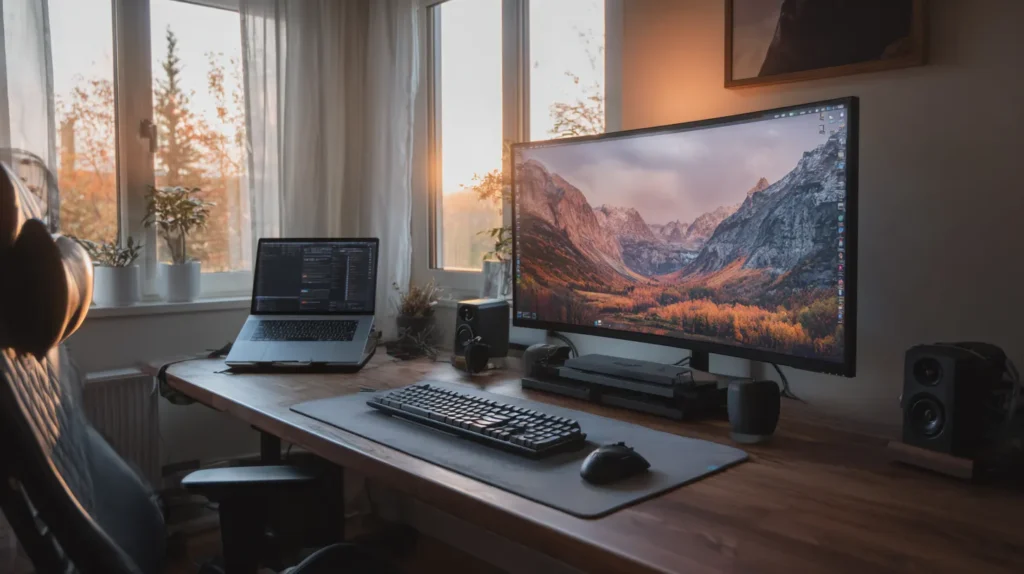
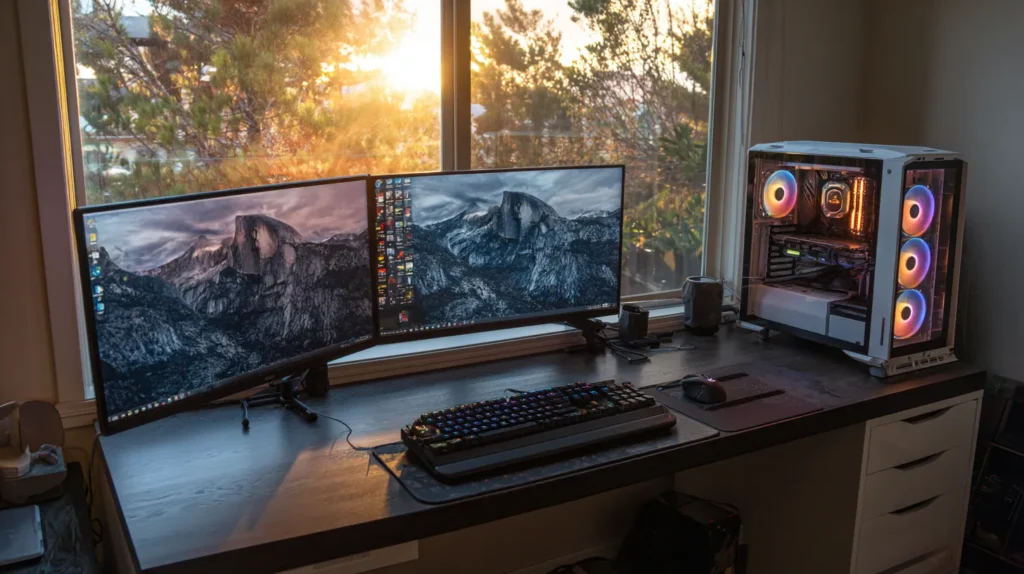
Your laptop or PC is only as powerful as the accessories that support it. Whether you work from home, game after hours, or run demanding creative workloads, the right accessories can dramatically enhance your productivity, speed, comfort, and overall digital experience. From high-performance peripherals to essential workspace upgrades, choosing the right tools can turn a basic setup into a professional, ergonomic, and efficient workstation.
In this comprehensive guide, we break down the must-have accessories that every laptop or PC owner should consider. These accessories not only make your daily tasks faster and more enjoyable but can also significantly extend the life of your equipment.
If you’re ready to boost your performance and elevate your workspace, let’s dive in. 🚀
1. External Monitor – Unlocking Real Productivity 🖥️💡
A high-quality monitor is one of the most impactful accessories you can buy.
Why it’s essential:
- A larger screen means faster multitasking
- Better color accuracy improves creative workflows
- Reduces eye strain
- Expands your workspace for true productivity
Popular choices:
- 27″ IPS monitors for professional work
- Curved ultrawide 34″ for immersive multitasking
- 144Hz+ gaming monitors for smooth gameplay
Hooking up your laptop to a big monitor instantly makes your workstation feel more powerful.
👉 Pro tip: For designers and content creators, look for 100% sRGB coverage or better.
2. Mechanical Keyboard – Type Faster, Work Smarter ⌨️⚡
A mechanical keyboard isn’t just a luxury – it’s a productivity tool.
Benefits:
- Precise and satisfying keypresses
- Long lifespan (50M+ clicks)
- Faster typing = faster work
- Programmable keys for shortcuts
- Better ergonomics
Types to choose from:
- Blue switches – clicky, tactile
- Brown switches – quiet, tactile
- Red switches – smooth, ideal for gaming
A good keyboard can reduce fatigue and drastically improve comfort.
3. High-Precision Mouse – Control at Your Fingertips 🖱️💥
Whether you’re gaming, editing, or browsing, a high-quality mouse increases precision and comfort.
Key features to look for:
- Adjustable DPI
- Ergonomic shape
- Wireless or wired connectivity
- Extra programmable buttons
- High-accuracy sensors
A precise mouse means faster navigation and less frustration.
4. Laptop Stand or Monitor Arm – Protect Your Posture 🧍♂️💺
If you work hours at your computer, posture matters more than you think.
Why you need one:
- Raises your screen to eye level
- Prevents neck and back pain
- Improves airflow for laptops
- Creates a cleaner, more organized desk
A simple stand can keep you more comfortable and more productive all day long.
5. External SSD or HDD – Fast and Secure Storage 🚀💾
Running out of space? Need faster load times? An external drive is essential.
Good reasons to use external storage:
- Faster backup workflows
- Portability of large files
- Safety for sensitive data
- Massive capacity for videos, games, and photos
What to choose?
- External SSD – lightning-fast performance
- External HDD – maximum capacity for low cost
👉 For creators, an NVMe external SSD is a game-changer.
6. Headphones or Earbuds – Focus and Sound Quality 🎧🔥
Whether you’re in meetings, editing audio, or relaxing, good headphones are crucial.
Top features to consider:
- Active noise cancellation (ANC)
- Comfortable ear cushions
- High audio clarity
- Long battery life (for wireless models)
Headphones help you stay focused, productive, and immersed in whatever you’re doing.
7. Webcam – Look Professional on Video Calls 📹✨
If you work remotely, your built-in laptop camera often isn’t enough.
A good webcam offers:
- Full HD or 4K resolution
- Better low-light performance
- Clearer image quality
- Improved microphones
A quality webcam = better first impression on calls.
8. USB-C Hub or Docking Station – Expand Your Laptop’s Power 🔌🚀
Modern laptops are sleek – but limited in ports. A hub fixes everything.
A good docking station gives you:
- HDMI or DisplayPort output
- USB-A ports
- SD card reader
- Ethernet port
- Fast charging power delivery
Perfect for transforming your laptop into a full workstation.
9. Desk Lighting – Improve Focus and Reduce Eye Strain 💡👀
Good lighting makes a huge difference during long hours of work.
Desk lights help with:
- Less eye fatigue
- Better visibility
- Cleaner, more focused workspace
- Boosting mood and productivity
LED lamps with adjustable color temperature are ideal.
10. Surge Protector or UPS – Keep Your Equipment Safe ⚡🔒
Power issues = component damage.
Two essentials:
- Surge protector – protects from voltage spikes
- UPS (battery backup) – keeps your PC running during outages
This is one of the most important investments for protecting expensive hardware.
11. Quality Speakers – Upgrade Your Audio Experience 🔊🎶
If you love music, movies, or gaming, external speakers are a must.
Why?
- Richer audio
- Better bass
- More immersive entertainment
- Accurate sound reproduction for creators
Even compact speakers can make a huge difference.
12. Mouse Pad or Desk Mat – Smooth Control and Better Aesthetics 🖱️✨
A high-quality mouse pad improves accuracy and adds comfort.
Advantages:
- More precise tracking
- Better wrist support
- Protects your desk
- Improves the overall look of your setup
Large desk mats are trending and highly functional.
13. Cooling Pad (For Laptops) – Keep Temperatures Low ❄️💻
Laptops overheat quickly under pressure.
Cooling pads offer:
- Lower temps
- Reduced throttling
- Longer component lifespan
- Smoother gaming and editing
A must-have for gaming laptops or long workdays.
14. External Keyboard + Mouse Combo – The Remote Work Upgrade 🏡💼
If you use your laptop for work-at-home setups, an external keyboard and mouse transform the experience.
Benefits:
- Better posture
- More desk space
- Faster typing
- More accurate navigation
This creates a true workstation experience.
15. Cable Management Accessories – A Clean Desk = A Clear Mind 🧹✨
Messy cables? They drag down your productivity.
Use:
- Velcro straps
- Cable sleeves
- Under-desk organizers
- Magnetic clips
A clean desk not only looks professional – it also helps you stay focused.
Ready to Build Your Perfect Setup? 🛒💻🔥
At GigaStore – computers.emaga.eu, you’ll find everything you need for the ultimate PC or laptop workstation:
- Monitors and stands
- Keyboards and gaming mice
- External SSDs and HDDs
- Docking stations
- Headphones and speakers
- Cooling solutions
- Desk mats
- Cable management tools
👉 Upgrade your setup today and supercharge your productivity.